|
|
Electronic Newsroom, EAS Alerts & Wire Service Capture |
The Search Screen
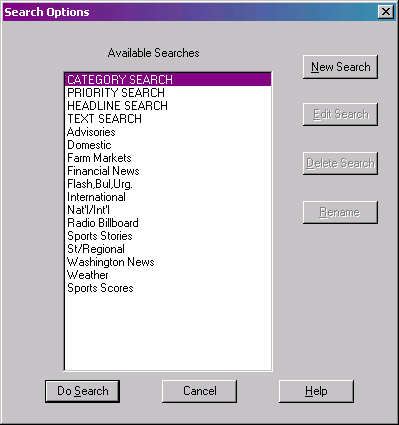
Category - priority - text and headline searches are as easy as "googling" information on the Internet - just select or type in what you want and the list is re-drawn with your specifications. Within seconds - you have only the news you need at your fingertips.
Sorting through all the wire stories is easy with WireReady because you can find the information you desire in a matter of seconds. It's as simple as double-clicking the heading of the search you wish to perform. The stories currently in the WireBrowser that meet that search's requirements will be displayed.
This example only displays the category search, but priority, text, and headline searches are as easy as "googling" information on the Internet - just select or type in what you want and the list is re-drawn with your specifications.
NOTE: Categories and Priorities differ from wire service to wire service. The examples used above may not be an option, depending what wire service you have.
This page created by WebReady - Powered by WireReady NSI
|
|